IPTV Germany Topics

IPTV Setup — all devices

One guide for Smart TV, Fire Stick, Android, iPhone, and PC. After your trial you receive credentials and can start streaming in minutes.

IPTV Germany setup — Fire Stick, Smart TV and Android installation
IPTV Germany Installation Guide

Get started in 3 steps

  1. 1

    Trial or subscription

    Contact us on WhatsApp — you receive server URL, username, and password.

  2. 2

    Install the app

    IPTV Smarters Pro or TiviMate from your device’s official app store.

  3. 3

    Log in & stream

    Choose Xtream Codes API, enter credentials, load channels — done.

What you need before setup

After your free trial or purchase we send three details: server URL, username, and password. Enter them in IPTV Smarters Pro or TiviMate under “Login with Xtream Codes API”.

Stable internet recommended: at least 10 Mbps for HD, 25 Mbps for 4K. Questions? Our WhatsApp support is free — replies in minutes.

Free setup help on WhatsApp

Setup by device

Pick your device and follow the steps. All methods use the same Xtream credentials.

Device 1 of 6

Samsung Smart TV

Apps: IPTV Smarters Pro · Smart IPTV

  1. 1 Open Samsung App Store on the TV
  2. 2 Search and install “IPTV Smarters Pro” or “Smart IPTV”
  3. 3 Open app → “Login with Xtream Codes API”
  4. 4 Enter server URL, username, and password
  5. 5 Tap “Add User” → load channels and stream

Device 2 of 6

LG Smart TV

Apps: IPTV Smarters Pro · SS IPTV

  1. 1 Open LG Content Store
  2. 2 Install “IPTV Smarters Pro” or “SS IPTV”
  3. 3 Launch app and choose Xtream login
  4. 4 Enter credentials (URL, user, password)
  5. 5 Refresh channel list and watch

Device 3 of 6

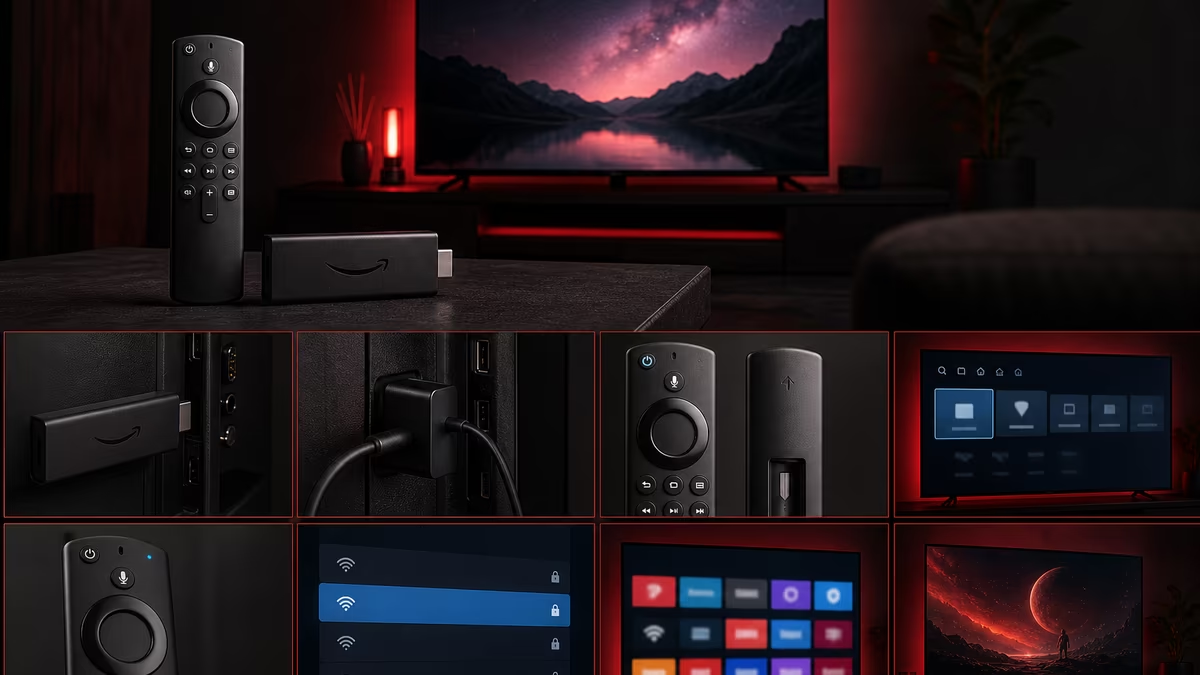
Amazon Fire TV Stick

Apps: IPTV Smarters Pro · TiviMate (sideload)

  1. 1 Open Amazon Appstore on Fire Stick
  2. 2 Install “IPTV Smarters Pro” (recommended)
  3. 3 Open app → Login with Xtream Codes API
  4. 4 Enter server URL, username, password
  5. 5 Save favourites — setup takes about 5 minutes

Device 4 of 6

Android TV / Box

Apps: TiviMate · IPTV Smarters Pro

  1. 1 Open Google Play Store
  2. 2 Install “TiviMate” or “IPTV Smarters Pro”
  3. 3 Add Xtream Codes playlist
  4. 4 Enter URL, username, and password
  5. 5 Load EPG for programme guide

Device 5 of 6

iPhone / iPad

Apps: IPTV Smarters Pro

  1. 1 Download “IPTV Smarters Pro” from App Store
  2. 2 Select Xtream Codes login
  3. 3 Enter subscription details
  4. 4 Browse channels and stream
  5. 5 Optional: allow EPG notifications

Device 6 of 6

Windows PC / Mac

Apps: IPTV Smarters · VLC (M3U)

  1. 1 Install IPTV Smarters desktop or app
  2. 2 Login with Xtream Codes API
  3. 3 Enter credentials from support
  4. 4 Or VLC: Media → Open Network Stream → M3U URL
  5. 5 Use fullscreen for best experience

Recommended IPTV apps

Install from your device’s official store — no unknown APKs required.

Device Recommended app
Samsung Smart TV IPTV Smarters Pro · Smart IPTV
LG Smart TV IPTV Smarters Pro · SS IPTV
Amazon Fire TV Stick IPTV Smarters Pro · TiviMate (sideload)
Android TV / Box TiviMate · IPTV Smarters Pro
iPhone / iPad IPTV Smarters Pro
Windows PC / Mac IPTV Smarters · VLC (M3U)

Tips for stable streaming

  • Use Ethernet on Smart TV if Wi‑Fi is unstable.
  • Fire Stick: wired adapter for more stable 4K.
  • Enable EPG in the app for TV guide and catch-up.
  • Stream on one device at a time per your annual plan.

Works on Every Device

IPTV Germany supports Smart TV, Fire Stick, Android TV, and all your favourite devices.

Samsung TV
LG TV
Android TV
Fire TV Stick
iPhone
Android Phone
Tablets
Windows PC
Mac

View Installation Guide →

Expert Guides

Detailed guides on our blog

Frequently Asked Questions

Everything you need to know about IPTV Germany.

How do I set up IPTV on Smart TV?

Install IPTV Smarters Pro, choose Xtream Codes login, and enter your URL, username, and password. See “Setup by device” above for Samsung and LG.

Does IPTV work on Fire TV Stick?

Yes. Install IPTV Smarters Pro from the Amazon Appstore, enter Xtream credentials — under 5 minutes.

Do I need technical skills?

No. Setup takes about 5 minutes. Free WhatsApp support in German, English, and Arabic.

24h Free Trial — IPTV Germany HD, 4K & 8K