Want to try IPTV Germany? Free 24-hour trial — no contract required.
IPTV Android TV in Germany
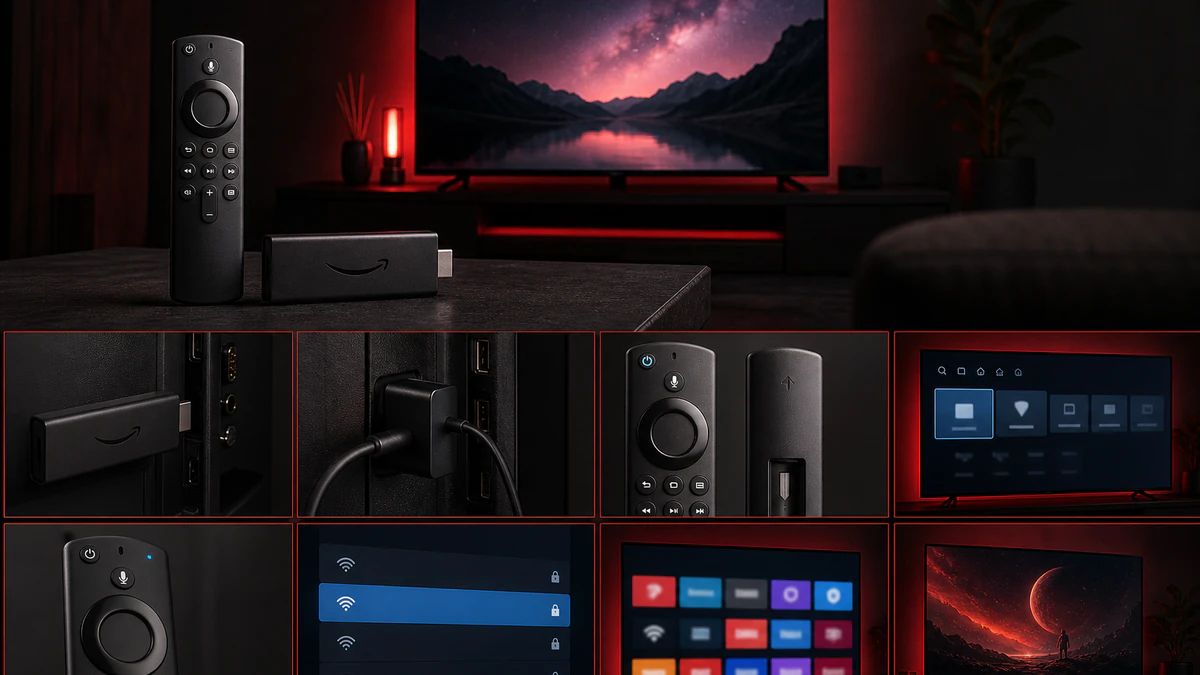
IPTV Android TV Germany is ideal for maximum flexibility. Android TV boxes like NVIDIA Shield or Xiaomi Mi Box run IPTV apps smoothly in HD, 4K, and 8K.
Start: Setup hub · Full guide
Recommended Android TV devices
- NVIDIA Shield TV Pro — best 4K/8K IPTV experience
- Xiaomi Mi Box S — great value
- Amazon Fire TV Cube — see Fire Stick guide
Set up TiviMate (Android TV)
- Google Play Store → install TiviMate IPTV Player
- Open app → Add Playlist → Xtream Codes
- Enter server, username, password
- Load EPG and sort channels
Internet & quality
| Quality | Min speed | Connection |
|---|---|---|
| HD | 10 Mbps | Wi-Fi ok |
| 4K | 25 Mbps | LAN recommended |
| 8K | 50+ Mbps | LAN required |
More on 8K: IPTV Germany 8K
Conclusion
Android TV boxes are the most flexible IPTV solution in Germany. Test free for 24 hours and set up in minutes.