Want to try IPTV Germany? Free 24-hour trial — no contract required.
Why Fire Stick is ideal for IPTV Germany
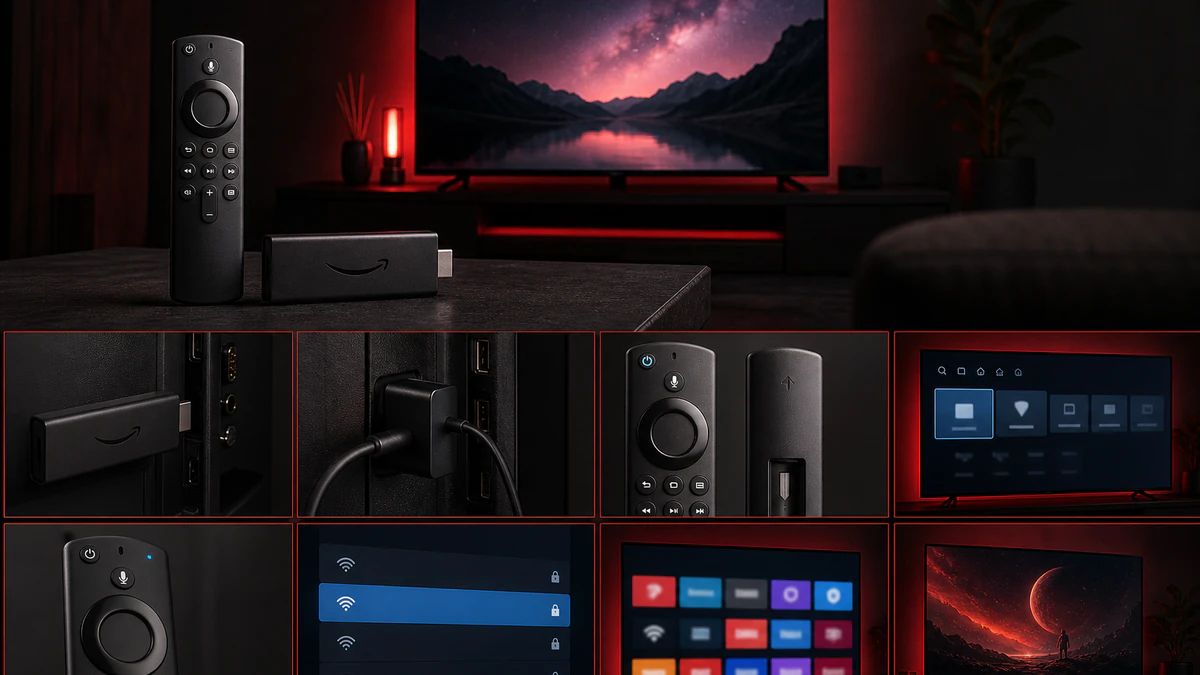
The Amazon Fire TV Stick is the most popular streaming device for IPTV in Germany: affordable (from around €40), easy to set up, and compatible with all major IPTV apps.
What you need
- Amazon Fire TV Stick (4K Max recommended)
- Stable internet (25+ Mbps for 4K)
- IPTV Germany subscription credentials
- About 5 minutes for setup
Method 1: IPTV Smarters Pro (recommended)
- Open the Amazon Appstore on your Fire Stick
- Search for “IPTV Smarters Pro”
- Install and launch the app
- Choose “Login with Xtream Codes API”
- Enter server URL, username, and password
- Tap “Add User” — done, channels are available
Method 2: Downloader + TiviMate
- Enable Developer options → allow Apps from unknown sources
- Install Downloader from the Appstore
- Load the TiviMate APK via Downloader and install
- Add your playlist via Xtream Codes
- Configure the EPG for the TV guide
Optimise Fire Stick for IPTV
| Setting | Recommendation |
|---|---|
| Resolution | 4K UHD (if TV supports it) |
| Network | Ethernet adapter instead of Wi-Fi |
| Privacy | Disable data usage reporting |
| Cache | Clear monthly |
| Restart | Weekly if running 24/7 |
Troubleshooting
| Problem | Solution |
|---|---|
| Buffering | LAN adapter, choose HD quality |
| App not in store | Use Downloader to sideload |
| Login failed | Verify credentials with support |
| Poor picture quality | Speed test, manually select 4K stream |
| App crashes | Clear cache, reinstall |
Fire Stick vs Smart TV app
| Fire Stick | Native Smart TV | |
|---|---|---|
| Cost | ~€40 one-time | Included |
| App choice | Very large | Limited |
| Updates | Regular | Manufacturer-dependent |
| Portability | Yes | No |
Next steps
After setup: explore Arabic channels, test 8K quality, or watch live sport.
Conclusion
IPTV on Fire Stick in Germany takes just a few minutes to set up. With IPTV Smarters Pro or TiviMate, you enjoy thousands of channels in HD and 4K.